YouTube Video Editing Services Cost: What You Should Actually Pay in 2026
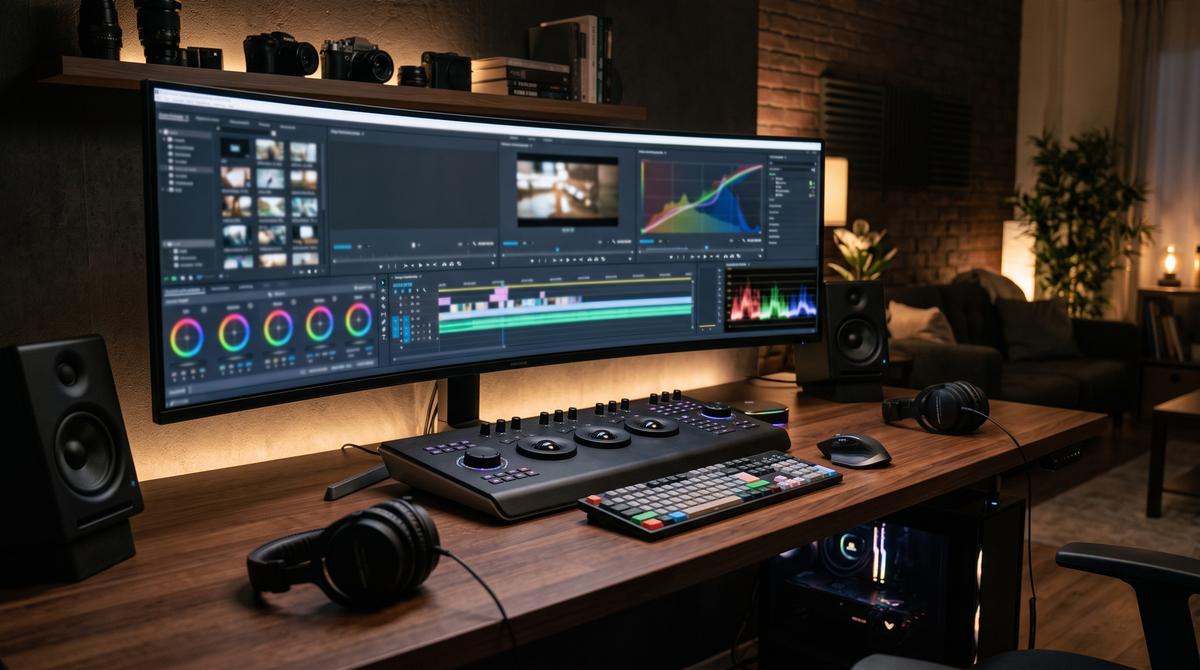
Your talking-head video gets 200 views. Your competitor's gets 200,000. Same topic. Same effort. The difference? A large part of that difference is editing.
Here's the uncomfortable truth most creators learn too late: on YouTube in 2026, editing isn't post-production decoration — it's the product. Retention editing, pattern interrupts, sound design, and pacing decide whether someone watches 30 seconds or 30 minutes. And the algorithm only promotes the second kind.
So what does YouTube video editing services cost actually look like? Anywhere from $15 to $500+ per video — and the difference between those numbers is the difference between “my nephew does Premiere” and “this video will hold a stranger's attention for 12 minutes.”
This guide breaks down real 2026 rates, what drives them, and how to buy editing that actually grows your channel instead of just making files smaller.
YouTube Video Editing Services Cost: Real Price Tiers Per Video
Tier 1: Basic Cleanup — $15 to $50/video
What you get: Cuts, trims, silence removal, basic color correction, simple captions, royalty-free music bed.
Turnaround: 2–5 days.
Honest take: Fine for talking-head videos, educators, businesses repurposing webinars. Your editor is essentially a very careful pair of scissors. Don't expect motion graphics, storytelling input, or anything that makes someone say “wow.”
Best for: New channels testing consistency, educators, course content.
Tier 2: Retention Editing — $75 to $200/video
What you get: Everything in Tier 1, plus pattern interrupts (zooms, cuts, B-roll), animated captions/subtitles, sound design (SFX, whooshes, subtle music ducking), basic motion graphics.
Turnaround: 3–7 days.
Honest take: This is where editing starts affecting your analytics. Proper retention editing can significantly lift average view duration on talking-head content. For channels monetized or close to it, this tier pays for itself — one video that breaks out covers months of editing costs.
Best for: Growing channels (1k–100k subs), business YouTube channels, creators serious about watch time.
Tier 3: High-Production / Cinematic — $250 to $500+/video
What you get: Full storytelling collaboration, custom motion graphics and animations, advanced color grading, professional sound mixing, multi-cam sync, custom intro/outro sequences.
Turnaround: 1–3 weeks.
Honest take: Worth it for flagship content, brand channels, and documentaries. Absurd for daily vlogs. The ROI question is simple: will this video generate 10x its editing cost in revenue or subscriber value? If yes, invest. If you're not sure, you don't need this tier yet.
Monthly Packages: What Retainer Editing Costs
Most serious creators don't pay per video — they hire editors on monthly retainers:
- 4 videos/month (basic): $200–$600/month
- 8 videos/month (retention editing): $600–$1,500/month
- 12+ videos/month (high volume): $1,200–$3,000/month
- Dedicated full-time editor (offshore): $800–$2,000/month
The retainer advantage: your editor learns your style, builds template libraries, and turns videos around faster. The per-video cost often drops versus one-off pricing.
If you are weighing a full-time hire versus ongoing freelance help, our guide to outsourcing video editing walks through the real cost differences.
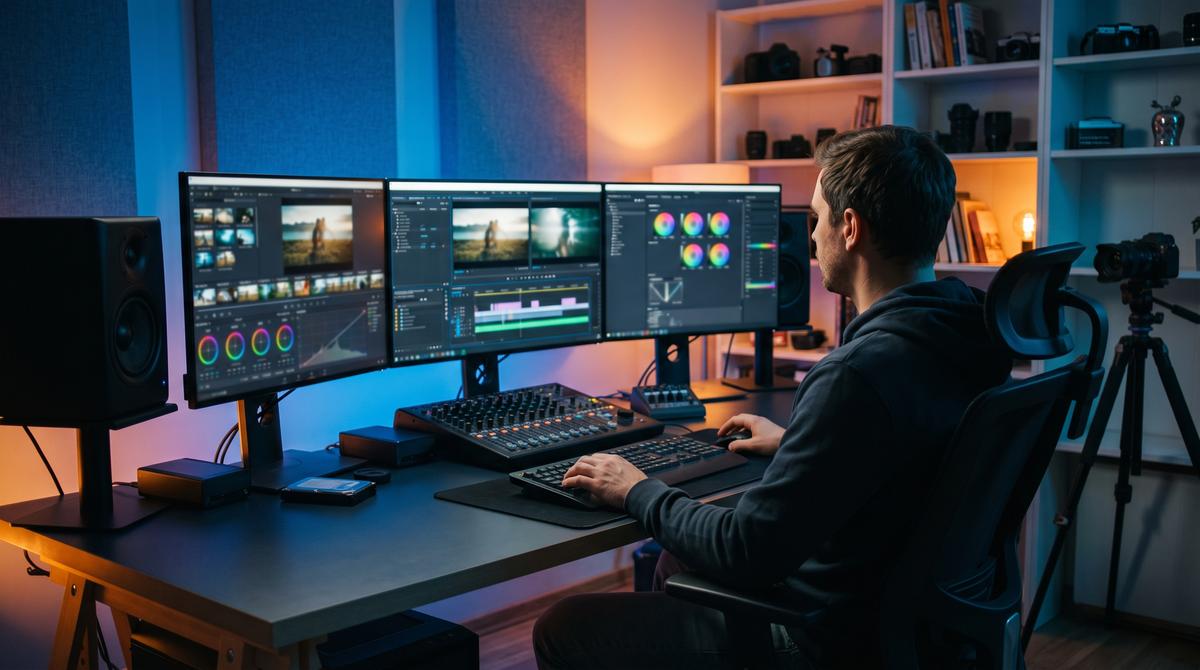
What Drives YouTube Video Editing Services Cost Up or Down
1. Raw Footage Length and Complexity
A 10-minute talking head from one camera: 3–4 hours of editing. A 10-minute video from 3 cameras plus screen recordings plus B-roll: 8–12 hours. Editors who quote flat rates without asking about your footage are either overcharging simple work or about to deliver rushed complex work.
2. Motion Graphics and Animation
Basic lower-thirds: negligible cost. Custom animated explainers, data visualizations, character animation: this is where $100 videos become $400 videos. Be specific about what “graphics” means in your brief.
3. Turnaround Speed
48-hour turnaround costs 50–100% more than standard. If you're not doing news or trends, don't pay rush fees — batch your content and give editors breathing room. Rushed editing is visibly worse editing.
4. Revision Rounds
One round of revisions: standard. Unlimited revisions: a red flag (it means the editor doesn't do proper discovery upfront). Clarify: what counts as a “revision” vs. a “new direction”?
5. Niche Expertise
An editor who specializes in finance YouTube knows the pacing, graphics style, and retention tricks that work for that audience. Specialists typically charge more than generalists and are usually worth it.
Where to Find Editors (Honest Pros and Cons)
Freelance Platforms (Upwork, Fiverr)
Pros: Huge talent pool, escrow protection, reviews.
Cons: Top 5% of editors are booked solid; the rest is a lottery.
Agencies and Studios
Pros: Team depth, backup editors, project management, consistent quality.
Cons: 2–3x the cost of freelancers. Overkill unless you're publishing 8+ videos/month.
Offshore Editing Teams (Pakistan, Philippines, India)
Pros: Excellent value — experienced editors at $800–$1,500/month full-time.
Cons: Timezone coordination, quality variance (vet carefully).
AI Editing Tools
Pros: Dirt cheap, instant turnaround for clips and shorts.
Cons: No storytelling judgment. Use for repurposing, not for hero content.
Many creators repurpose long-form videos into short-form social media video clips with AI tools — fast and cheap, but keep them away from your hero content.
Red Flags When Hiring a Video Editor
- No portfolio with retention graphs or before/after examples
- “Unlimited revisions” — signals no real process
- They can't explain their revision and file-delivery workflow
- No contract covering raw footage ownership and usage rights
- They edit everything in the same style
- Suspiciously cheap + fast (“$20, 24-hour delivery, cinematic quality”)
How to Brief an Editor (So You Don't Waste Money)
- Send 2–3 reference videos whose editing style you want — actual links with timestamps.
- Define the video's job: retention? conversion? brand prestige?
- Provide organized footage: labeled files, selects marked, script with timecodes.
- Agree on the feedback process: consolidated notes, one round at rough cut, one at fine cut.
- Start with a paid trial video before committing to a retainer.
Spend on Editing Like It Matters — Because It Does
The YouTube video editing services cost question comes down to one calculation: what's a retained viewer worth to you? When better editing improves your average view duration, YouTube generally recommends your video to a wider audience. That's not a production expense — it's distribution leverage.
Start with a paid trial at the tier matching your channel's stage. Measure retention before and after. Then scale the spending that the data justifies.
If you want editing built for retention — not just pretty timelines — the video team at Estegy Solutions edits YouTube content for creators and businesses across Pakistan, the Gulf, the UK, and the USA. See our work at estegysol.com, play with our free creator tools at estegysol.com/tools, or reach out via our contact section for a trial edit. We'll show you the retention difference before asking for a retainer.
Get a Trial Edit — Contact Estegy
Frequently asked questions
How much do YouTube video editing services cost per video?
$15–$50 for basic cleanup, $75–$200 for retention-focused editing (the sweet spot for most creators), and $250–$500+ for high-production cinematic work. Monthly retainers (4–12 videos) typically run $200–$3,000/month depending on volume and complexity.
Is it worth paying for professional video editing on YouTube?
If your content is good but retention is low, yes — editing is likely your bottleneck. Professional retention editing can significantly lift average view duration. For monetized channels, one breakout video routinely covers months of editing investment.
Should I hire a freelance editor or an agency?
Freelancer: best for 1–8 videos/month when you can manage the relationship directly. Agency: better for 8+ videos/month, brand channels needing guaranteed turnaround, or when you need motion graphics + editing + thumbnails under one roof.
How much does a full-time YouTube video editor cost?
US/UK-based: $3,000–$6,000/month. Offshore (Pakistan/Philippines): $800–$2,000/month for experienced editors.
Can AI replace my video editor?
For clipping highlights and removing silences: largely yes. For storytelling, pacing, humor timing, and creative decisions that drive retention: no. The smart 2026 workflow is AI for rough assembly + human editor for the creative pass.
Related articles
- Video Editing Outsourcing Pakistan: Cost Guide — Deep dive into Pakistan editing rates.
- Hire Remote SEO Specialist Pakistan: Guide — Get your YouTube videos ranking on Google too.
- Free Image Compressor — Compress thumbnails for faster loading.